
Keep The Lights On
A downloadable game for Windows
KEEP THE LIGHTS ON
The facility is losing power...
You are not the hero. You are only a maintenance worker whose job is to keep the lights on while someone else carries out the mission. An unknown entity roams the facility, shutting down generators one by one. Your only choice is to stay alive, reactivate the generators, and prevent the entire place from falling into darkness.
🔴 Every 30 seconds, the emergency system enters Red Alert. During this time, every light turns red and the entity can detect your exact location for 20 seconds.
Keep moving, avoid getting cornered, and survive until all generators are active.
🧩 Team Name
AyyDev
Team Member
- Ariya Teguh Jatmiko
🎭 ThemeYou Are Not The Hero |
🖥️ PlatformWindows |
🎥 VTubers
- Raveanne
- Quiver Rannette
- Njess
🎮 Tutorial - How to Play
Objective
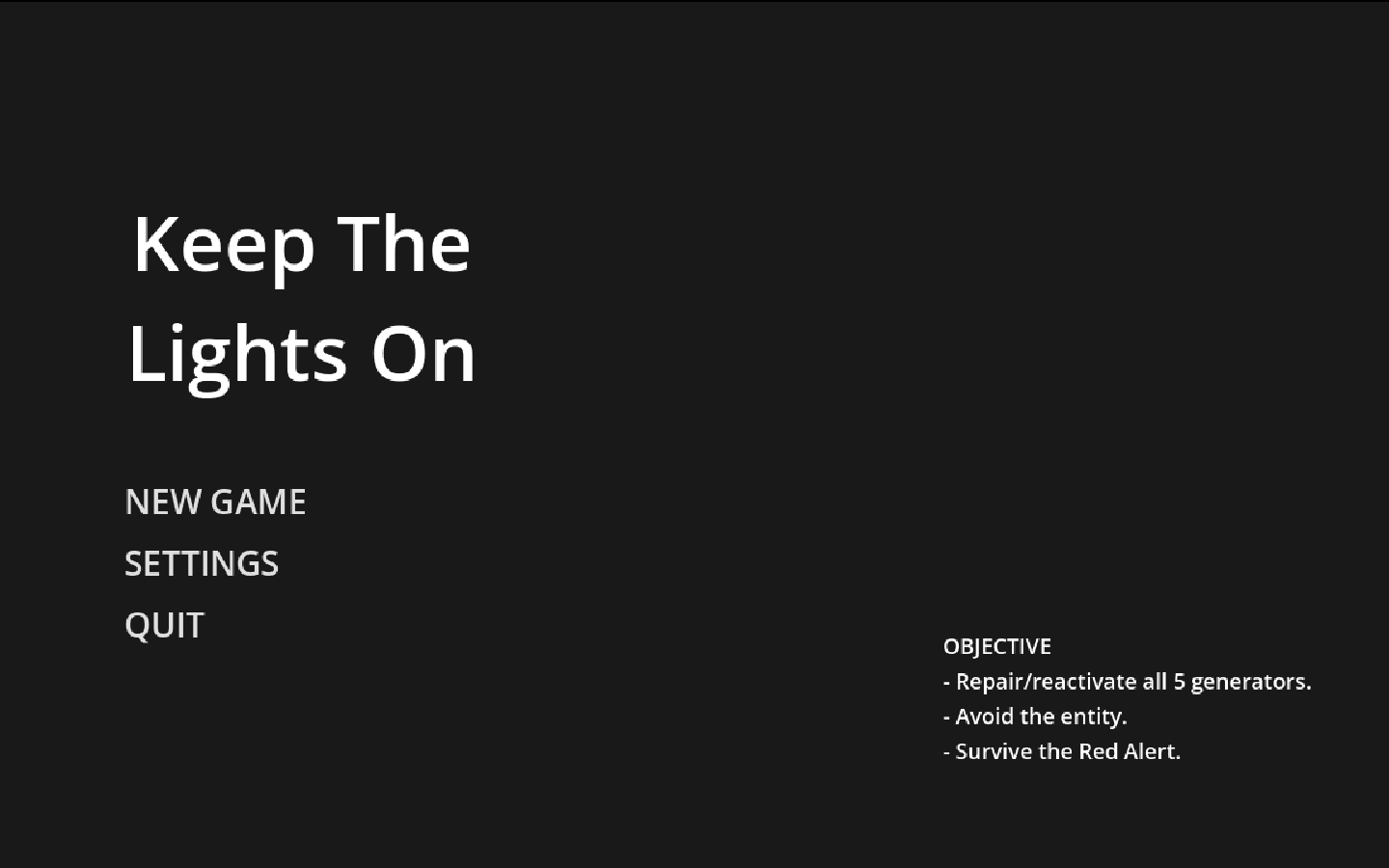
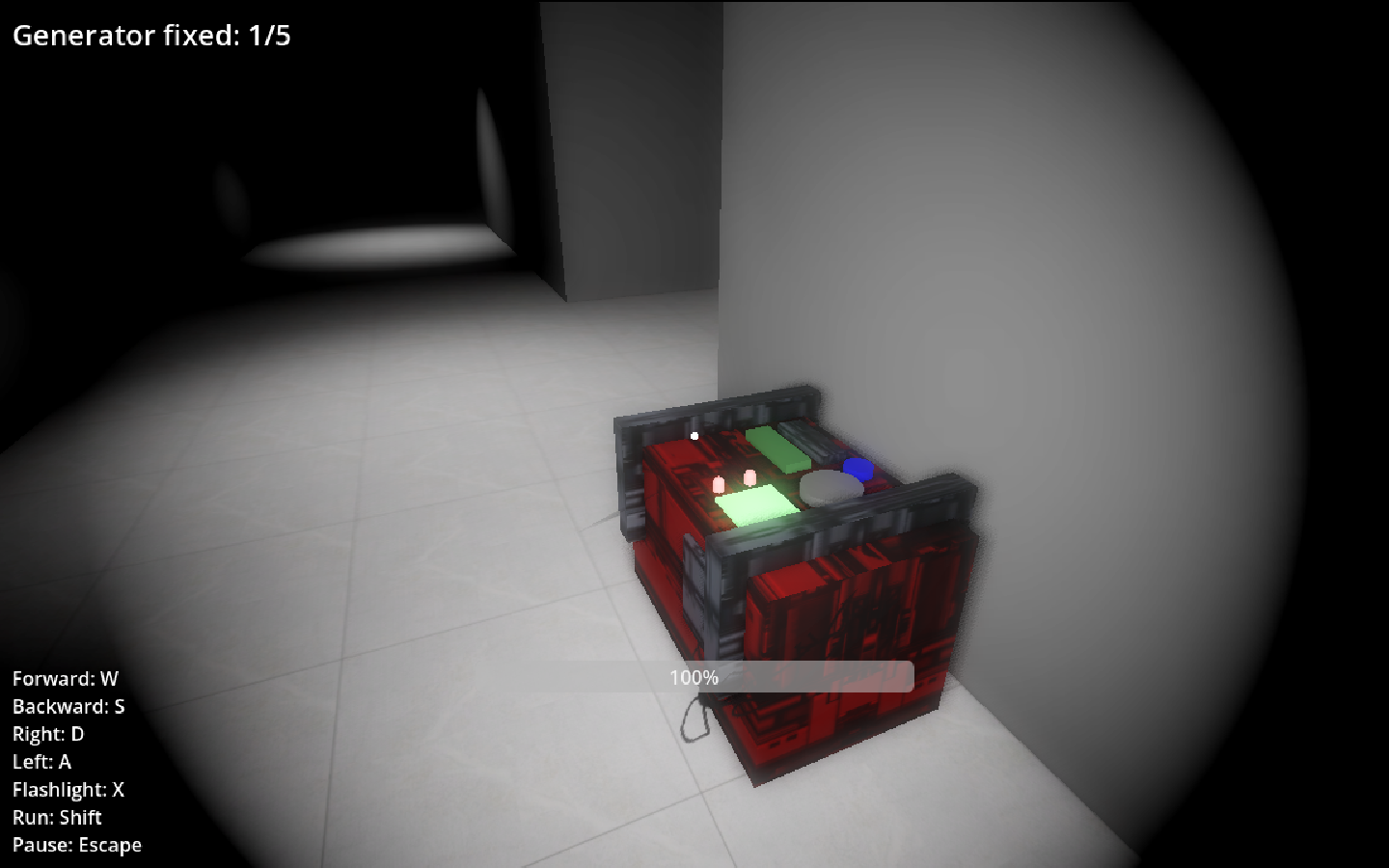
Reactivate all 5 generators before the entity shuts them down again.
When all 5 generators are active at the same time, you win.
Controls
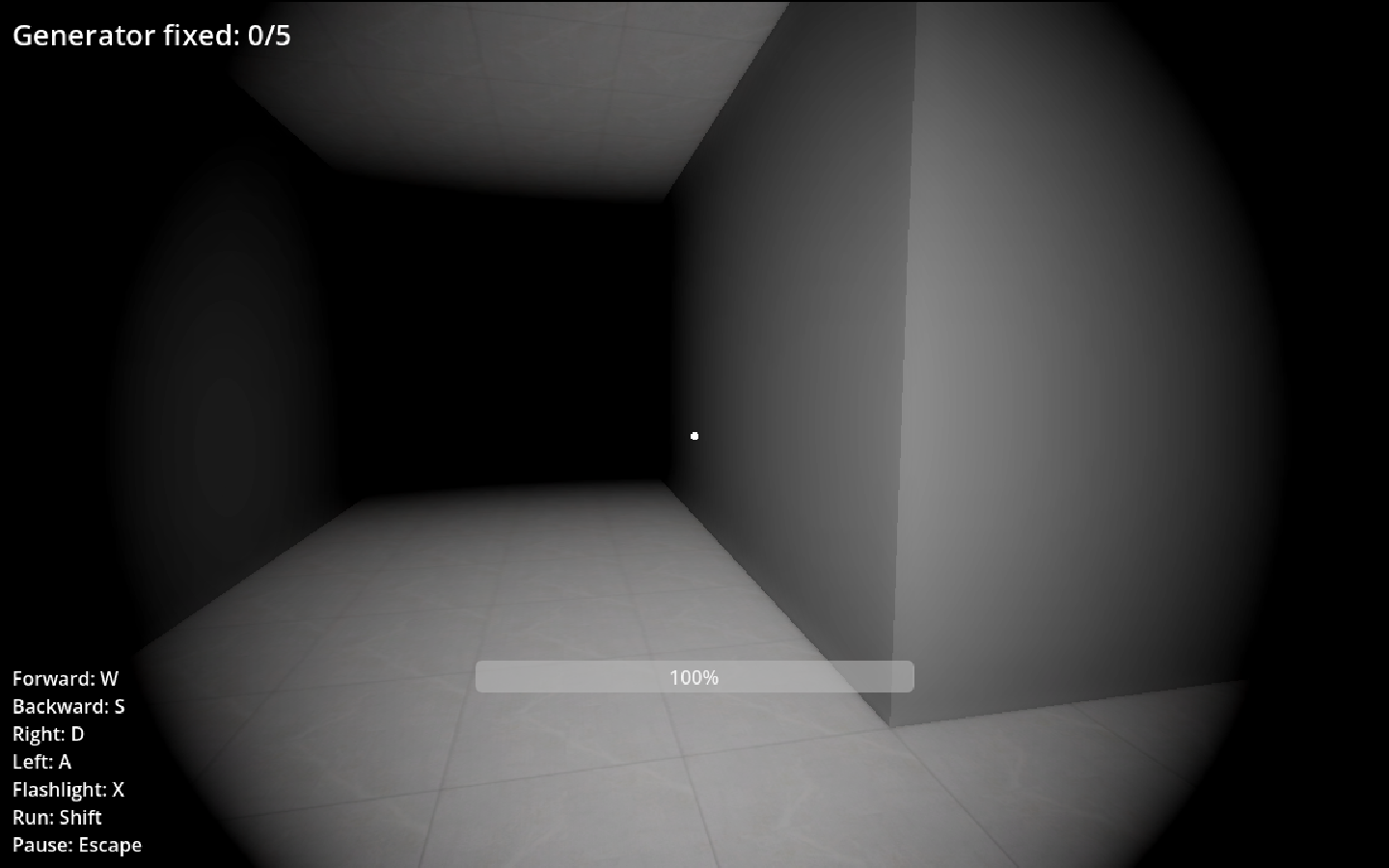
| WASD | Move |
| E | Repair / Reactivate Generator |
| Esc | Pause |
⚠️ Beware!
- The entity patrols the facility and can turn off generators.
- If the entity catches you, it's game over.
- Every 30 seconds, Red Alert begins for 20 seconds.
- During Red Alert, all lights turn red, and the entity knows your exact location.
Stay calm, keep the generators running, and don't let the darkness win.
📜 Credits
Game
Programming, Game Design & Art by Ariya
Audio
- Sound Effects: Public Domain / Royalty-Free
- Background Music: Royalty-Free
Fonts
- Public Domain / Open Source
Special thanks to everyone who played and supported this project! 💡
Download
Install instructions
- Download the .zip file from this page.
- Extract the .zip file using Windows Explorer or software such as 7-Zip or WinRAR.
- Open the extracted folder.
- Double-click KeepTheLightsOn.exe, KeepTheLightsOn.pck or KeepTheLightsOn.console to start the game.
⚠️ Important:
Do not run the game directly from inside the .zip file. Always extract it first.
If Windows shows a security warning:
- Click More info.
- Click Run anyway.
This may happen because the game is an indie project and isn't digitally signed.
Development log
- Zip file repair4 days ago
- 1.0 Releashed!8 days ago
Leave a comment
Log in with itch.io to leave a comment.